
A recording is only useful once it becomes text. This page takes you from hitting record on your phone to a checked transcript, ready to be filtered into an outline or edited into a post. Recording shows up in two steps of Idea - Write - Edit: in the Idea step you say all your ideas out loud, and in the Write step you talk instead of typing.
This page is for you if you:
- Type slowly.
- Are often out.
- Have little time.
- Often misspell words, because your typing goes wrong but your speech comes out right and AI fixes the rest.
- Get dizzy looking at a screen for long. If you type fast and like writing on a keyboard, you can still go through the whole process without recording.
What do you need to record?
- A microphone. Phones and laptops already have one, and a desktop needs an external microphone plugged in.
- A recording app that turns your voice into text on its own, installed on your phone and your computer so the files sync. Cuong uses Tana Voice: it records up to 2 hours, sends the file to a server for safe keeping when you have Wi-Fi or 4G, turns it into text, and pulls out the highlights.
- Something to talk from. For the Idea step, take your set of guiding questions (see Outline a post from a one-line topic). For the Write step, take your locked outline.
- The time of day when you are most alert, for example early morning just after exercise. Avoid recording when you are sleepy, angry or worn out, because the recording comes out poor.
- A place to walk around. Talking while you walk is normal: blood flows to your brain and your spirit lifts. Cuong often walks while he talks, and one call sometimes takes him 10,000 steps.
Record and turn it into text
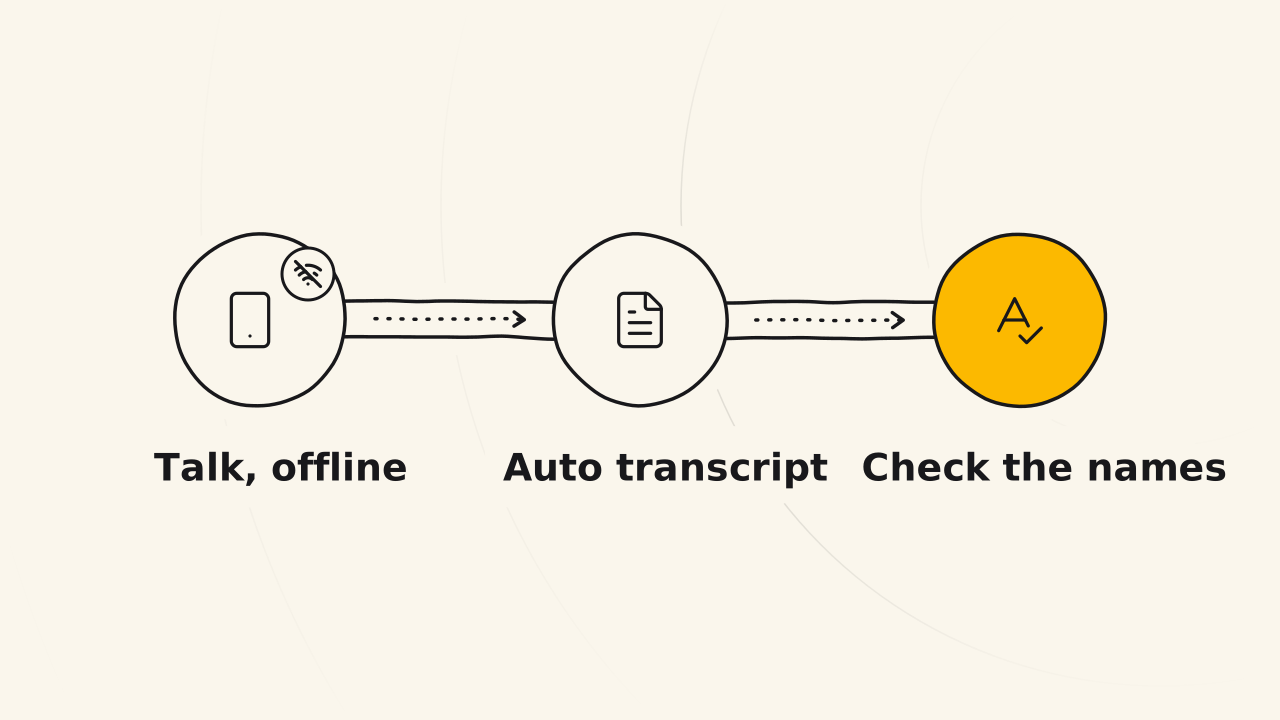
The three steps below go from hitting record to a checked transcript: set up your screen and go offline, say everything question by question, then turn it into text and check the names.
Go offline and put the questions in front of you
Recording only draws out what you already know, so the internet is not needed. Switch off the network and call alerts so nothing breaks your flow of speech.
Paste the question set or the outline on your phone or computer screen so it prompts you. Do not close your eyes and talk on a whim: recording for a post means answering one question after another, not keeping a diary. You will see the first question right in front of you when you hit record.
Read each question out loud and say everything
Read the question or the idea in the outline, then talk. Follow three rules for each one:
- If you do not know the answer, go to the next question.
- If you do, say all the numbers, memories and stories that relate to it.
- If your memory is hazy, say plainly that it is hazy, because this transcript is the source of truth for the post.
When you pour out ideas from the question set, repeating yourself and stumbling are fine. When you talk the draft from the outline, try to say it right the first time, because every time you say it again, that is more words to cut.
Speak Vietnamese throughout and keep English terms few: mixing the two languages makes AI more likely to turn it into the wrong text. Saying “um” or correcting yourself is fine: the speech to text model drops filler sounds, fixes spelling and words you did not say clearly, and splits the text into paragraphs.
Talk to write means swapping the keyboard for your mouth. It is not a podcast or a video, so you do not need to listen to your own voice again. You will have a recording that goes through every question you could answer.
Go back online and check the names
Once you are done, reconnect. The app turns your voice into text on its own and brings the transcript to your computer. Do the rest on your computer, where you work faster.
Scan the transcript for three kinds of names, the names of people, products and tools, and fix the wrong ones. The rest is usually 95 to 99% right, so you do not need to proofread the whole thing. You will have a transcript with checked names, ready to filter into ideas or edit into a post.
How do you know the transcript is ready to use?
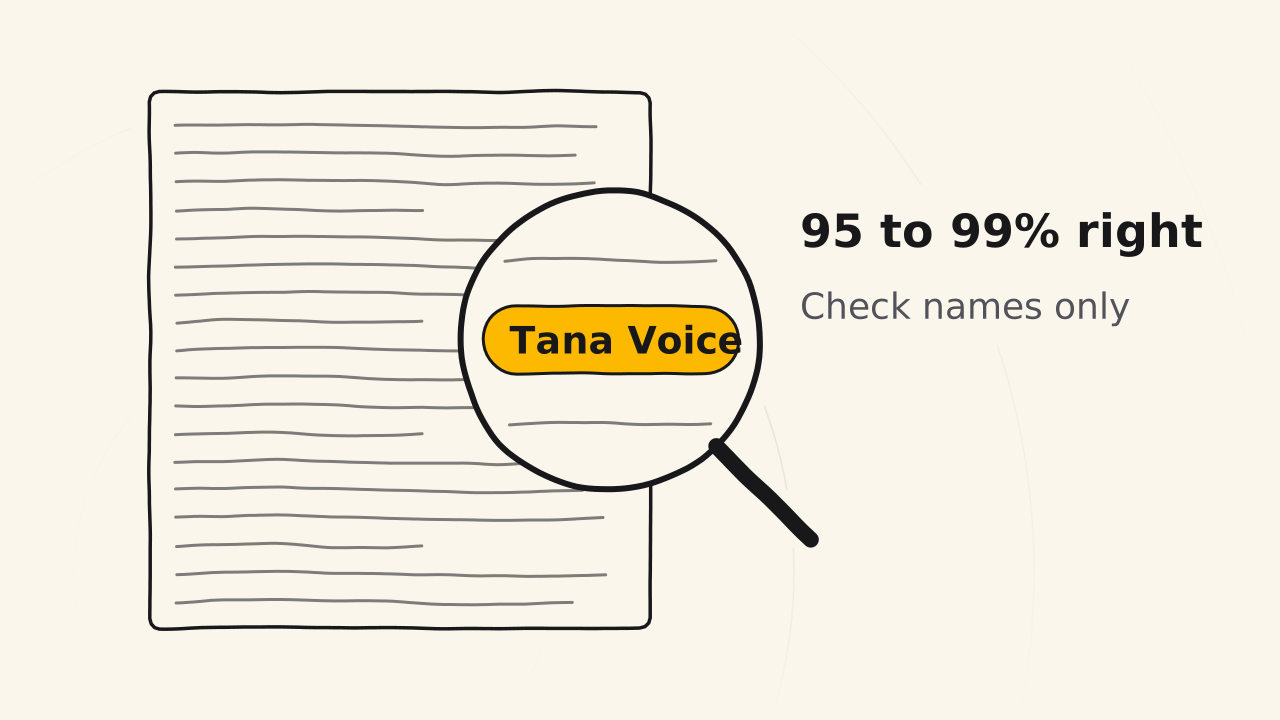
- Are the names right? Fix any wrong name of a person, product or tool in the transcript right away.
- Is the transcript thick enough? The thicker the transcript, the more solid the post you squeeze out of it: Cuong recorded 17,000 words for the Idea - Write - Edit post, and it was published at 5,400. To make a post longer, next time record longer, talk faster and bring out more ideas.
If the recording does not come out as expected
The recording rambles and repeats ideas
You recorded without a set of guiding questions, so you said an idea, forgot it and said it again a while later. The fix: before the next recording, prepare a question set made for the post type you will record. Each question pulls you to a new idea instead of repeating an old one.
Your first recordings stumble and say “um” a lot
The first times you talk to write, everyone stumbles, says “um” and forgets what they already said. That comes from not having practiced enough yet.
If you have never recorded, spend the first week practicing talking: write down one topic, then talk about it, at the time of day when you are most alert. With a question set as your structure, talking gets easier, and each recording comes out smoother and with more ideas. If you go blank on a question, see how to handle it in Outline a post.
Read next
Write a first draft in one go
Fill your outline's blind spots, then go offline and pour out what you understand of each idea, by keyboard, voice or pen, into a first draft.
Edit a draft into a post
Cut a rough draft into a post without touching the outline, by tightening the opening first, then cutting, using customers' words and formatting.
Truth vault
This page shows what the Truth vault keeps and how facts go in and out, the docs where a brand's posts, pages and AI answers get their facts.