
Abandoned keywords are keywords you never aimed for, yet they still bring readers to a post thanks to what you wrote. These keywords show up unplanned and only come to light when you look at your search data. Each abandoned keyword is a hint for your next post.
What is an abandoned keyword?
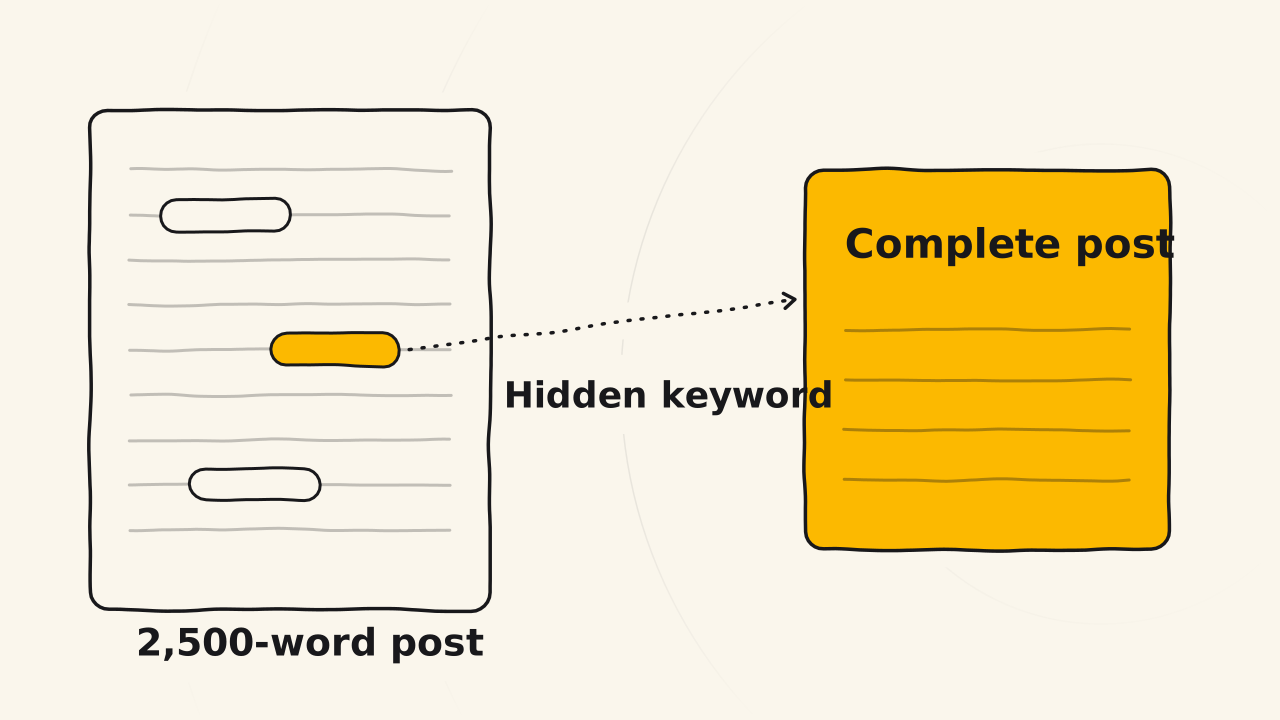
Every post aims for certain keywords. Even so, a long post always says more than what it aims for. A 2,500-word post, for example, can hold hidden keywords, that is, phrases you wrote while explaining, telling a story or giving an example, with no plan to use them as keywords.
Google still reads those phrases. When someone searches for one of them, your post can show up in the results and bring them to your website. That keyword has brought readers to you, but you have not looked after it. It is abandoned inside a post about something else.
What sets an abandoned keyword apart from other keywords is when you learn about it.
Seen after you publish
An abandoned keyword is not there yet while you write the post. This kind of keyword comes after the keywords you chose, and it only shows up once the post has been on Google for a while. These two facts decide when you meet abandoned keywords in Write to Sell.
It comes after ranking keywords
Abandoned keywords and ranking keywords are both phrases people type when they search. They differ in when you learn about them. One kind you choose before writing, the other you discover after the post is published.
| Ranking keyword | Abandoned keyword | |
|---|---|---|
| When you learn about it | Before writing the post | After the post is on Google |
| Found with | Google search, Keyword Planner | Google Search Console |
| Do people search it | You must check first | It already brought readers |
The two complete each other. A ranking keyword gives you a direction when you start a post. An abandoned keyword shows you what the post achieved beyond what you aimed for, and from there it suggests your next post.
Because abandoned keywords come afterwards, you see them only once a post is on Google.
Only once a post is live
Abandoned keywords exist only once you have published a post. They appear when the post has been indexed, or when your website already has some traffic. Before that, nobody has found the post yet, so there is no keyword to discover.
That is why, in stage 2, you may not see many abandoned keywords yet. The website is new, there are few posts, and searches take time to build up. It is not a sign that you are doing anything wrong.
At this stage, your job is to learn how to find abandoned keywords first, so that when traffic arrives, you already know which Search Console report to look at.
Look in the Performance report
You find abandoned keywords in Google Search Console. “Abandoned keyword” is what Write to Sell calls them. Search Console has no menu by that name. They sit in the Performance report, in the query list of each page.1
Reading them takes 3 steps:
- Open the Performance report and pick a published post.
- Look at the list of queries that brought readers to that post.
- Mark the queries you did not aim for when you wrote the post. Those are abandoned keywords.
Search Console can show this because it records what really happens on Google, namely what people typed, and which of your posts showed up. Google Analytics only shows you those queries once it is linked to Search Console.2
Finding an abandoned keyword is only half the job. The other half is deciding what to do with that keyword.
Grow it into a complete post
An abandoned keyword can grow into a complete post. Instead of leaving that keyword buried in a post about something else, you write a post of its own that answers exactly what the searcher needs. That new post helps you win the keyword better.
Related pages
- Not about brand names and big topics: see Entity keyword.
- Not a guide to building a vault for your product: see Product Truth vault.