
Google Keyword Planner (opens in a new tab) is a free keyword tool from Google. In stage 2, you use it when you need a closer look at the search volume of your ranking keywords, the long keywords that Trust posts aim for.
When do you need Keyword Planner?
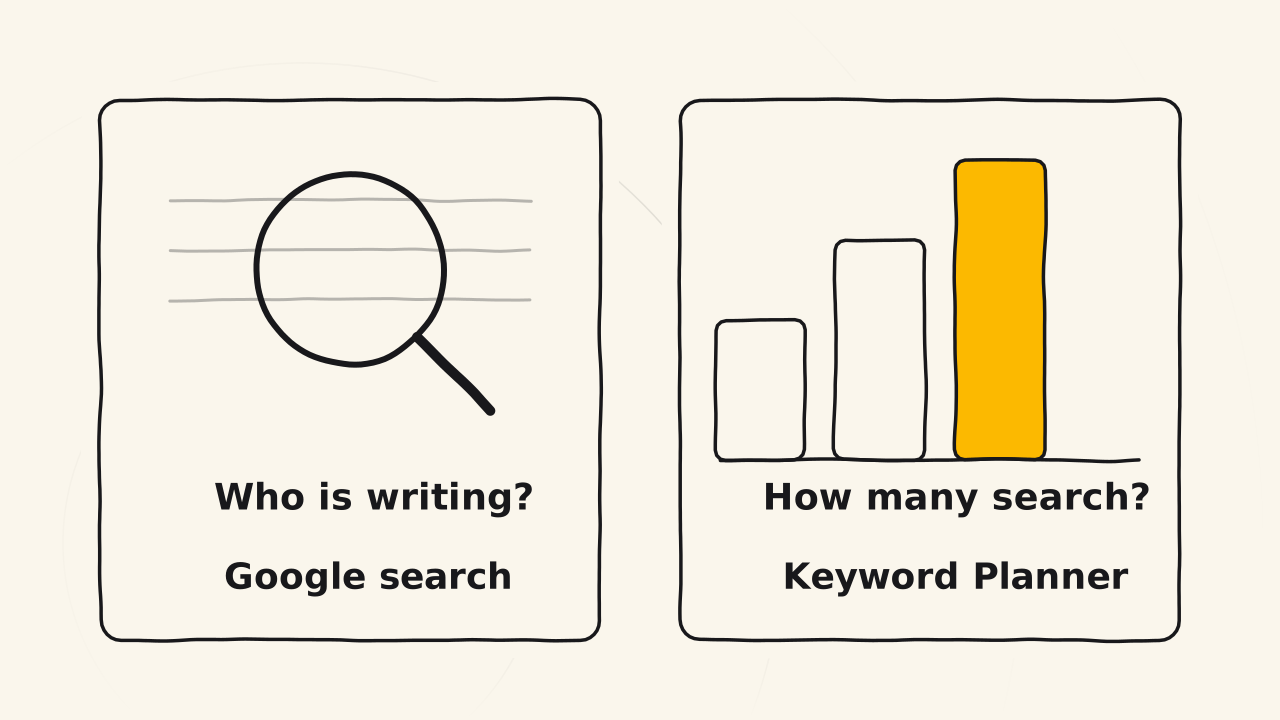
You need Keyword Planner when you want to know how many people search for each phrase. It is the second step. Most of the time, you find ranking keywords with traditional Google search. You type the phrase into Google and look at the results. This is the fastest way and needs no separate tool.
The search results show who writes about a phrase. Keyword Planner shows how many people look for that phrase.
Keyword Planner does not replace Google Trends. Google Trends checks entity keywords and the trend of a big topic. Keyword Planner checks the volume of each long phrase for one specific post.
What do you need to use it?
Keyword Planner lives inside Google Ads, so you need a Google Ads account. The tool is free and you do not have to run ads to use it. Even so, Google asks you to finish the account setup, including payment details, before it opens the keyword ideas.
Once the account is set up, open Tools, go to Planning, then choose Keyword Planner. Google’s own steps are on the page Use Keyword Planner (opens in a new tab).
Related pages
- Not why a Trust post needs a long keyword: see Ranking keyword.
- Not tracking the keywords that already bring readers to a post: see Google Search Console.