
Bing Webmaster Tools (opens in a new tab) is Microsoft’s tool for website owners to declare their website to Bing, much like Google Search Console does for Google. You use it right after turning on indexing, so your website is on both search engines.
Why Bing as well?
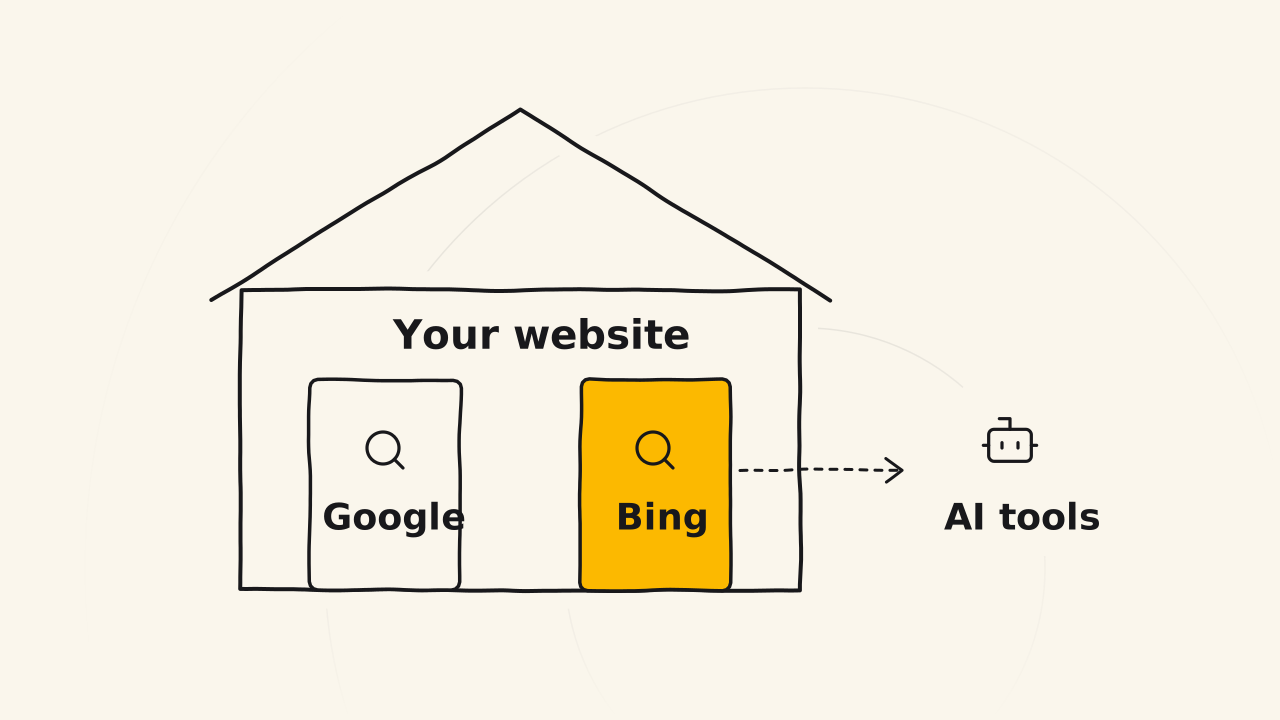
More and more people ask AI instead of typing a search. Microsoft Copilot searches the web with Bing, and ChatGPT also draws results from outside search providers, Bing among them. A website on Bing gives these AI tools one more way to find and cite your content.
You declare it once, so the cost is tiny next to the extra way in it opens for readers.
Import from Search Console
Sign in with your Google account
Open Bing Webmaster Tools and choose to sign in with Google. Use the same Google account you connected to Search Console, so Bing can see your website in the next step.
Choose to import from Search Console
On the first screen, choose to import your sites from Google Search Console, then allow Bing to read that account’s Search Console data. This way you add no verification code to your website.
Pick your website and finish
Tick your website in the list and import it. Bing pulls your sitemap from Search Console on its own, so you do not submit it again.1 When you see the success message, your website is declared to Bing.
The click-by-click steps with pictures on Blueky are in the post Submit your website to Bing (opens in a new tab).
Related pages
- Doesn’t teach how to turn on indexing: see Turn on indexing.
- Doesn’t cover measuring visits: see Google Analytics.