
Google Search Console (opens in a new tab) tells you how your website shows up on Google, including which pages are indexed, who finds you, and whether people click your content. In the Positioning stage, you connect it from the start so you have data for the later stages.
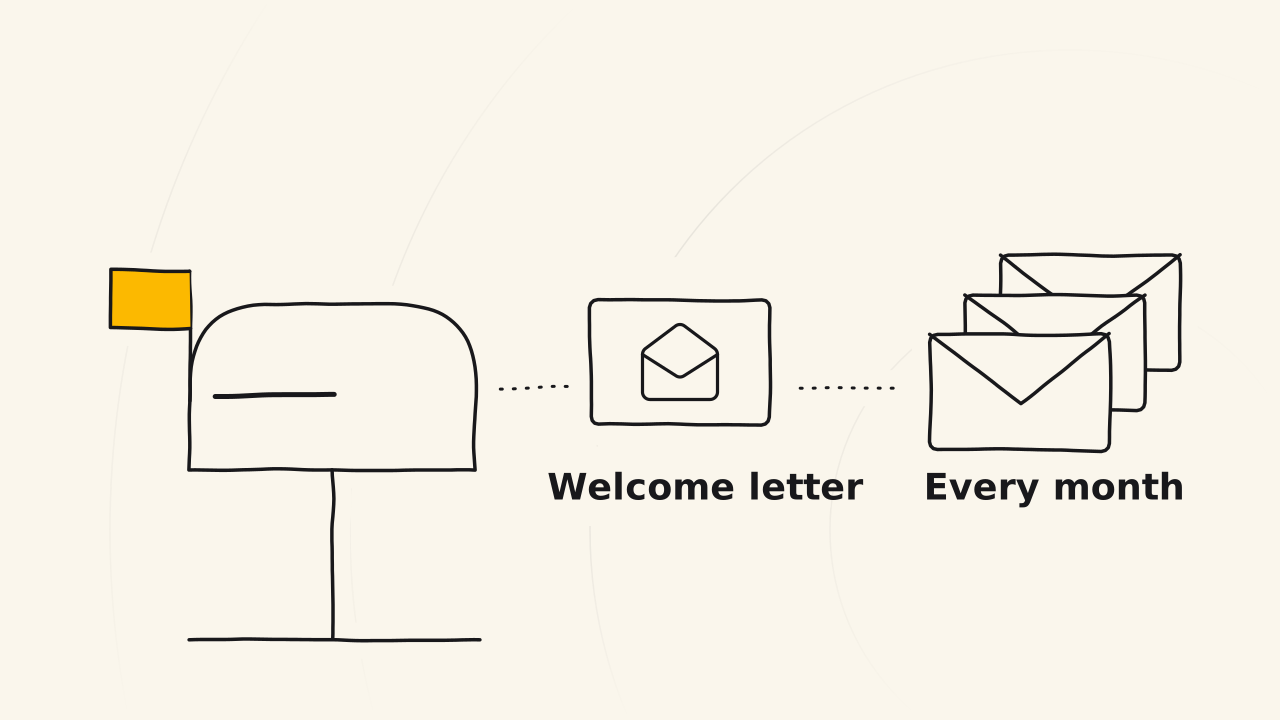
What does Search Console send you?
Once connected, Search Console sends you 2 kinds of messages:
- A welcome email when you add and verify your website.
- A monthly report on the searches that bring readers to your website.1
With these reports, you know how your website is doing without opening the tool every day. The monthly report sums up the clicks, the times your pages were shown in search, and the pages and queries that did best that month.
What can you see?
Search Console answers the questions you will ask all through the coaching program:
- Does anyone find your website in search?
- Does anyone click the content you write?
- Are you writing in the right direction?
- Is your website on Google yet?
Every answer needs time to build data. So you connect Search Console in stage 1, at the same time as Google Analytics.
How do you connect it?
You add your website to Search Console as a property, then verify that you own it. There are 2 kinds of property:
- Domain: covers every address of the domain, verified with a DNS record where you bought the domain.
- URL prefix: one address only, verified with an HTML tag, an HTML file, or through the Google Analytics you already installed.2
If your website runs on WordPress, the Site Kit by Google plugin verifies and connects Search Console for you. Once verified, submit your sitemap so Google knows which pages to read.
Search Console in stage 2
In stage 2, Search Console is the website’s control room, where you watch the health of your website. Search Console shows you 2 things Google Analytics does not.
Keywords you did not aim for
Search Console shows the queries that bring readers to a post you did not aim at, called abandoned keywords. You find them in the Performance report, in the query list of each page.
These queries appear only once a post is indexed, or once the website has some traffic. In stage 2, you may not see many yet.
Data from Google itself
Search Console shows what really happens on Google, meaning whether people find your website. Google Analytics may record only part of it, so read both sources and let them support each other.
You do not need to open Search Console every day. Performance report data usually arrives after 2 to 3 days, while many other reports update in batches (Google (opens in a new tab)). The monthly email report already sums up your clicks and impressions.
Related pages
- Not a guide to putting your website online: see Turn on indexing.