
The contact page template splits the page into 4 blocks in order. You fill each block with your greeting, your contact routes and your answers instead of starting from a blank page. Hoang Hxn, the companion coach of Write to Sell, shares it on Blueky (opens in a new tab).
A smart receptionist
The contact page is the last step before a customer decides to work with you. The template treats it as a receptionist, not a dry data entry box.
Solo business owners often try to serve everyone. A good contact page is not the one that gets the most mail. It is the one that filters out people who are not a fit and keeps the serious customers, so your time goes to the right people.
The four blocks
A friendly greeting
The first two blocks welcome and open a shortcut. This block is a greeting that shows customers you are here to help, with a friendly portrait and the time you promise to reply, for example within 48 hours. Customers know a real person reads their message.
Connection shortcut
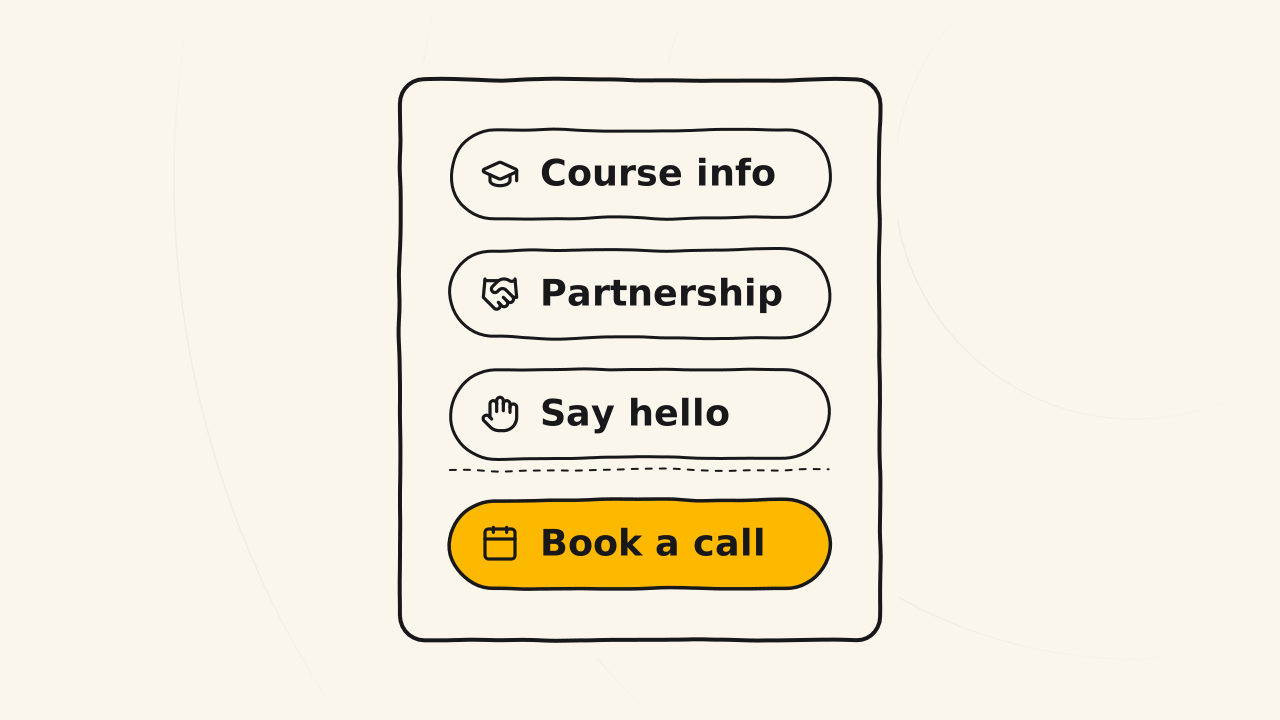
A booking link, such as Cal.com, so customers who are ready can book a call right away. Below it sit the social channels you actually use, each with its icon, so customers see you are active in several places.
A form that filters needs
Replace a bare email address with a form that asks why the customer wants to connect. Keep only a few fields, namely name, email, a need picked from a list (asking about the course, a partnership, saying hello), and the message. Mail reaches you already sorted by need.
Frequent questions
List the 3 to 5 questions you are asked most, answer them straight, and link to the related page. Customers find the answer before they hit send, and you stop answering the same question again and again.
Build the form on WordPress
If your website runs on WordPress, you can build the form block with Contact Form 7, with the need field as a drop-down list. Together with the home page and the about page, the contact page is one of the 3 most important base pages of a new website.
The full guide, with a sample contact page to preview, is the original post Design a high-converting contact page (opens in a new tab) on Blueky.
Related pages
- Doesn’t give a template for the home page: see Home page template.
- Doesn’t give a template for the about page: see About page template.