
Google Trends (opens in a new tab) helps you research the market in the Positioning stage. You use it to check your audience and key terms, and to see whether your niche has real demand. In this stage, its main job is to check what you plan to say.
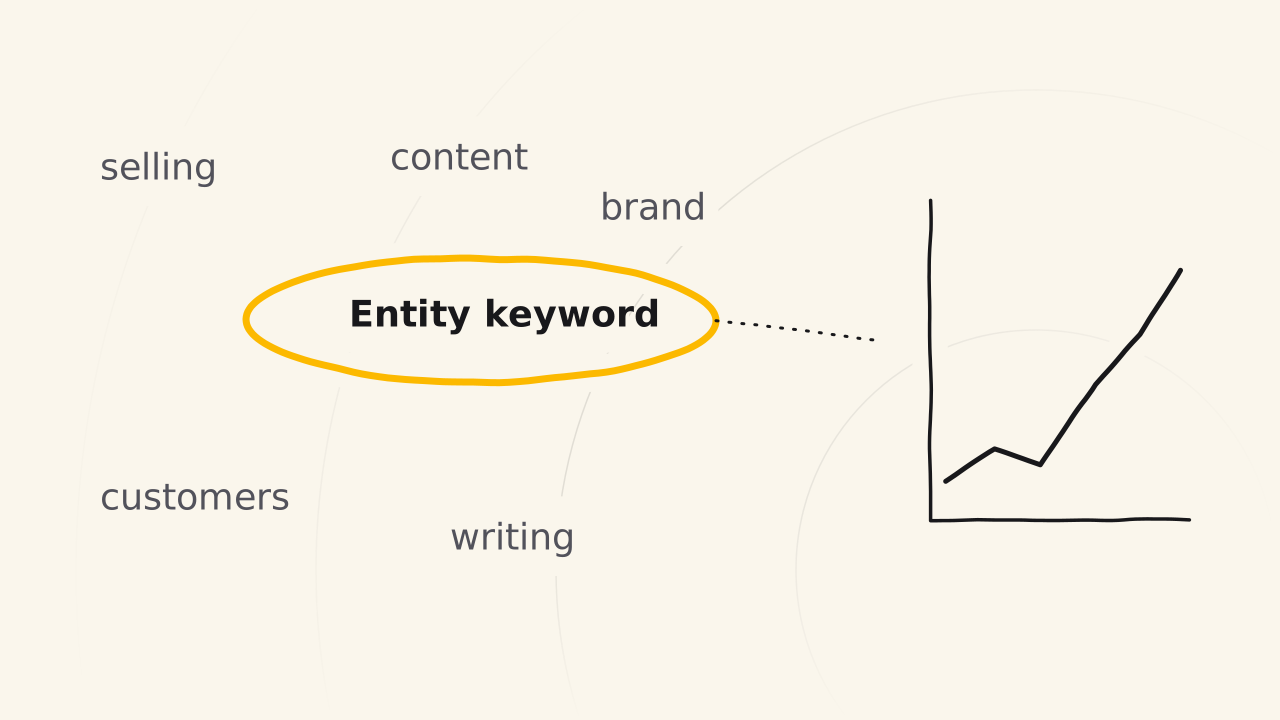
Find entity keywords
Google Trends pulls out entity keywords, which are the words real customers use when they search, already checked, not words you made up.
Pick your words early and keep one anchor keyword in mind. Your brand holds a few keywords and repeats them again and again. Repeating checked words helps customers and algorithms recognize you.
Entity keywords are for building a brand, not only for pulling in traffic. Checking a keyword on Google Trends helps you avoid words that do not fit your brand, even when many people search for them.
Check the trend of your niche
Google Trends also shows market trends. You see whether your niche and product last and whether demand is real, before you put your whole road into it.
A niche that people search for steadily over many months has real demand. A niche that almost no one searches needs a closer look, because maybe no one has had time to build in it, or maybe there is no demand. In that case, look for competitors with Google AI Overview to learn which case you are in.
How do you compare words?
Google Trends compares up to 8 groups of terms on one chart.1 Set the region to Vietnam and the time range to 12 months, then type your word next to the other names for the same thing. The numbers show relative interest from 0 to 100, not search counts.2
For example, while writing the Personal site page in Vietnamese, the common phrase for “personal website” had searches while the course’s own term had almost none. The course keeps its own term and places the common phrase beside it once, so searchers still find the page.
Related pages
- Not about the positioning frame of this stage: see AI prompts.
- Not about the audience of the core product: see Positioning.