
The Edit step only cuts and never adds words. The cutting has three parts:
- Compress the opening
- Cut the draft
- Switch to the customer’s words
If you are not sure which step you are stuck on, check the table of thirteen common places to get stuck first.
Post too short
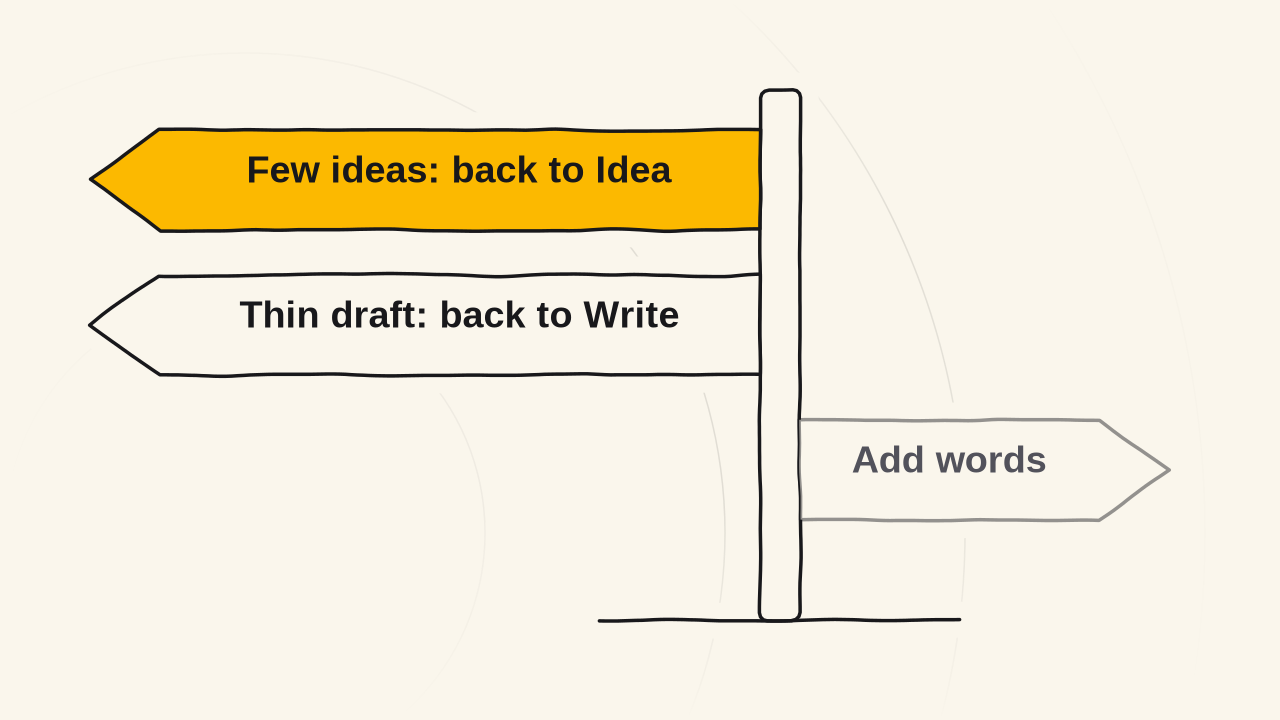
The rule is to make a post longer, add ideas, not words. A post with ten ideas is naturally long, and a post with three ideas stretched to a word count turns thin. Edit does not lengthen a post, so a short post means the draft or the outline was already short before.
The symptom is that after cutting, the post is thin and does not get enough across, and you want to add words.
The cause is that the draft is too thin to compress, or the outline has too few ideas.
The fix is not to add words at the Edit step. If the draft is thin, go back to Write and speak deeper. If the outline has too few ideas, go back to Idea and add ideas.
The check is that the draft is clearly longer than the post you plan to publish. For example, one post on the cuongthach.com blog was a 17,000-word recording, published at 5,400 words.
Title and content mismatch
Wording always carries a fixed idea. Change a title a little and its meaning changes, while the part below is still written for the old meaning, so the title and the content no longer match. That is why Edit changes only the content.
The symptom is that the title says one thing and the part below says another, and the message seems to have drifted away.
The cause is that you changed the wording of a title while editing, and the content is still written for the old title.
The fix is to put the titles back exactly as in the locked outline, then edit only the content below.
The check is to compare the titles in the post with the outline, word for word the same.
Editing never ends
This is the writing loop, where you write before the outline is locked, see that the post is choppy, and go back to redo the outline. About three loops make the time triple.
The symptom is that you write, edit, redo the outline, write in more, change the titles, then fix the ideas again. One post drags on for days.
The cause is that the outline is not locked, so every step pulls you back to the Idea step. Perfectionism makes the loop spin faster, and a plan for ten posts falls like dominoes.
The fix is to stop writing, go back to the Idea step, lock the outline with Outline a post from a one-line topic, then go through once in order, Write and then Edit.
The check is that the post goes through the three steps once each, and the big idea titles in the published post are exactly as in the outline.
Related pages
- It does not show the steps of editing a draft from the start: see Edit the draft.
- It does not explain what the Edit step does and why: see The Edit step.
- It does not fix the places you get stuck in the Write step: see Stuck at Write.