
A question customers keep asking is the easiest source of pages for the vault, because your real answer is already the truth. You don’t need to think up anything new. You only need to write that answer as a page. If you don’t have a vault yet, start your Truth vault first.
What you need
- One question customers have asked you many times. A question that repeats shows that many people need it.
- The answer you really gave a customer, in a message, an email or a meeting. This is the source of the page.
- Your vault, to see whether the question already has a page and which group the new page belongs in.
From question to page
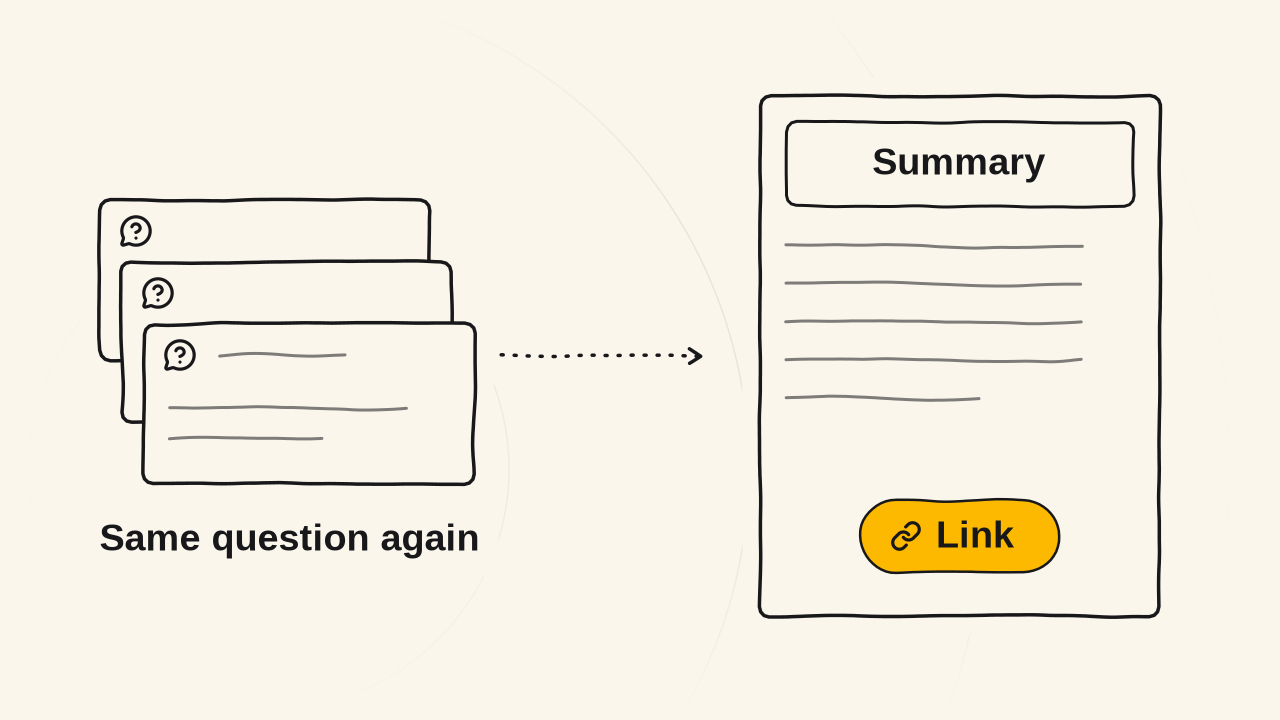
Writing a question as a page is like answering a customer, only in a clearer order. You don’t need to polish the words. Say what is so, as long as it is true.
Pick a question customers ask again and again
A question that repeats deserves a page now. It doesn’t need to wait to become a post. Take the latest question you have answered many times. Search the vault to see whether a page already answers it. If one does, just send the link. If not, keep the question in the customer’s own words as the page title. You will have one question and know it needs a new page.
Rewrite your real answer with its context and order
When you answer a customer, you always give a before and an after, which means the context, the right order, the exact details. Copy the answer you gave into the page, then arrange it in that same order. If the answer has four steps, write four steps. If it goes in sequence, keep the sequence. Drop the greeting and the personal chat with that customer, and keep the facts. You will have a page body that says exactly what you answered.
Add a summary at the top, publish and send the link
A summary at the top lets readers get the answer at once, the way you open a post. Write one or two sentences that answer the question directly, and put them above the body. Place the page in the right group in the vault, then publish. The next time a customer asks, send the link to the page. You will have an atomic page you can send to any customer who asks that question.
Later, when you want to write a blog post on this topic, you build on that page. The vault page holds the answer, and the blog post tells the story around it.
Signs the page works
Send the link to the next customer who asks, then watch the reply:
- The customer can do it or understand it without asking more: the page is enough.
- The customer asks one more thing: the page lacks context or a step. Add it to the page. Don’t just answer that customer in private.
- The customer says the page is wrong: check it, and fix the page if it is really wrong. Customer replies help the vault grow fuller and more accurate.
When the page goes wrong
A vault page goes wrong when it stops answering one question for everyone who asks it.
A page that is too long
One page answers one question. If the answer leads to another question, split that into its own page and link to it. Small pages can be sent as a link to the exact spot.
A private-advice tone
A vault page is written for everyone who asks that question, not for one person. Drop that customer’s private details and keep the facts that hold for all. Write “you”, and don’t name the customer.
When the guide does not fit
Some questions are about something you haven’t done yet, such as a feature you are planning or a product that hasn’t launched. Don’t put these in the vault. Answer the customer in private, and write it down only after you have done the work, by the rule of Entity docs.
Related pages
- It does not explain why you answer customers with a link: see Source of evidence.
- It does not show how to place a new page in the tree: see Docs structure.
- It does not fix pages when the product changes: see When your product changes.