
By the end, you can send one issue of an email newsletter, a familiar part of email marketing, built from the blog posts you published this week, and tell whether it works. A newsletter is repurposed content: it gathers posts you already have and adds no new ideas.
What you need before sending
- Blog posts published this week. The newsletter takes its ideas from posts, so the posts must go live first.
- A list of people who signed up on their own. They left their email and agreed to get your newsletter. A list built any other way gets your domain into trouble.
- An email tool. There are many. Cuong sends with Blueky, the automation platform in Cuong’s ecosystem: it sends, nurtures readers and collects emails.
Send the weekly newsletter
Usually you send a newsletter once a week, not every day. A weekly rhythm gives you time to gather posts as you go: if you published four posts this week, list all four. If you published three, list three.
Gather the week's posts
The number of posts decides how you write the newsletter. A week with one post: retell that post in the email and link back so readers can read the whole thing. A week with several posts: take the best point from each one and put them together, so readers see which posts you published and that your site is alive. You will have a list of posts and one highlight for each.
Write the subject and opening line
A newsletter needs to grab attention like any repurposed piece. Three things decide whether readers open the email: the subject line, the cover image (only some email apps show it) and the first sentence. Write these three first, because the story begins only after the reader opens the email. You will have an email that readers want to open.
Send it with links to your site
Every conversion happens on your site, not in the email. Readers can’t buy inside the email, so each post and each offer has a link back to your site. Send the newsletter with your email tool. You will see opens and clicks in the tool’s report.
2 numbers that judge it
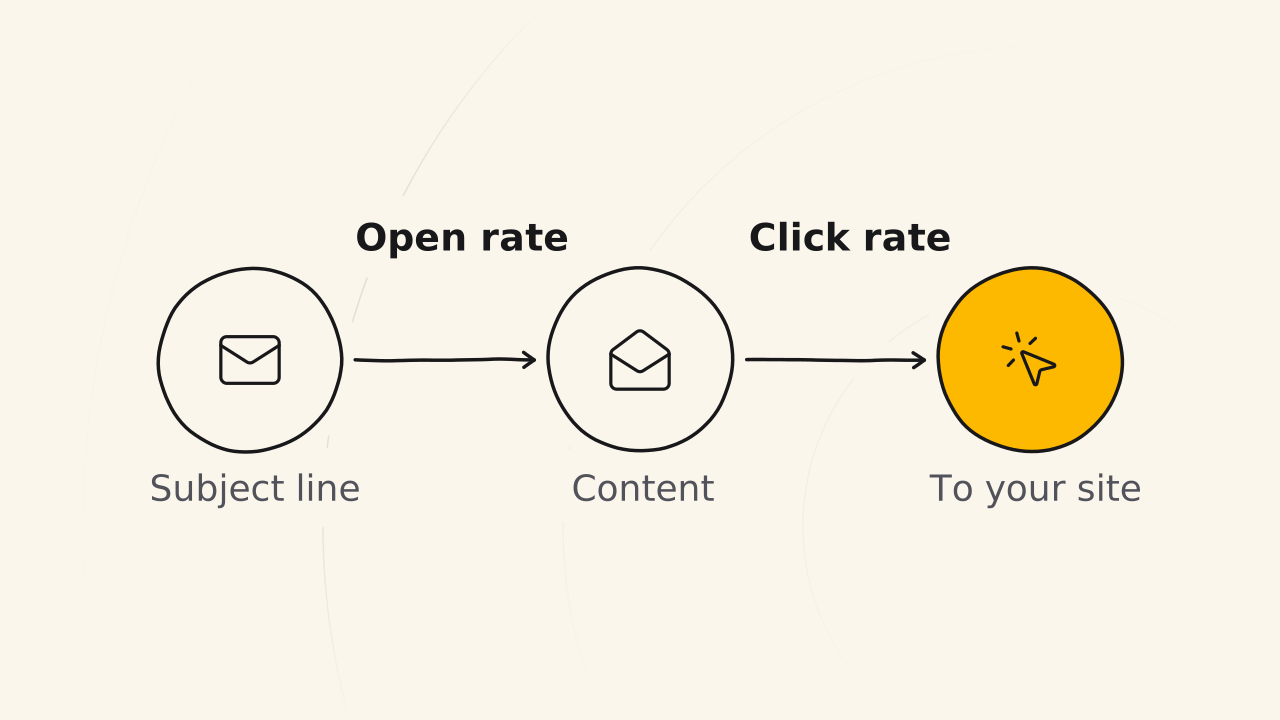
An email newsletter has two numbers, used for as long as email has existed.
| Number | What it measures | High means |
|---|---|---|
| Open rate | How many people open the email | The subject line works |
| Click rate | How many people click a link | The content is good and readers want more |
If the open rate is low, fix the subject line, the cover image and the opening line in the next issue. If the open rate is high but the click rate is low, the content did not make readers want to click.
Readers join of their own will
Blog readers join the newsletter list in two ways:
- A call to subscribe at the end of a blog post.
- A free gift product on the site: readers leave their email to get the gift.
In both ways, you say clearly that you will send updates and the reader agrees. This is the rule of disclosure: people leave their email on purpose, to get your newsletter.
Related pages
- It does not show how to put a blog post online: see Publish a blog post.
- It does not explain why a newsletter only gathers old posts: see VOTE strategy.